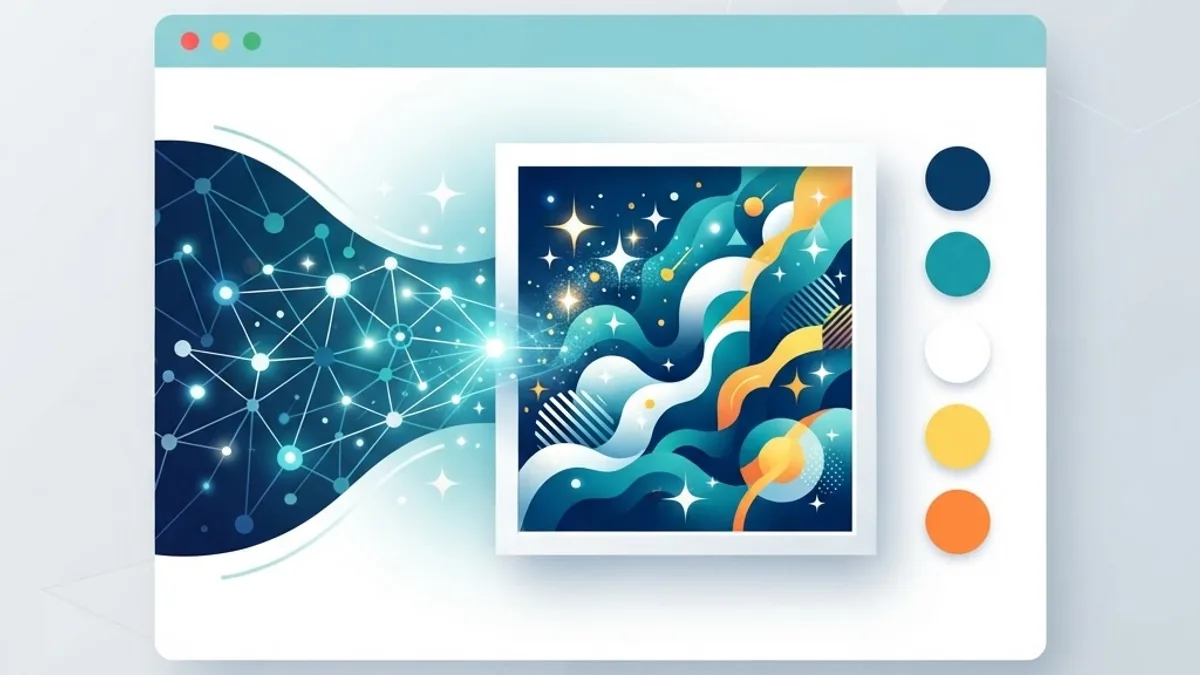
AI Generated Images: Web Design Best Practices
Master AI-generated images in web design with best practices for quality, performance, accessibility, ethics, and SEO to create unique, professional visuals.
Marcus Feldman
Author
AI image generation has transformed how designers create visuals, making it possible to produce custom, on-brand imagery in minutes rather than days. Used well, these tools unlock creativity, reduce reliance on generic stock photos, and let teams iterate quickly. Used carelessly, they can produce off-brand, low-quality, or ethically questionable results that undermine trust. The difference lies in following sound best practices. This guide covers how to use AI-generated images effectively in web design, balancing speed and creativity with quality, performance, accessibility, and integrity.
Start With a Clear Purpose
Before generating any image, define what it needs to accomplish. Is it a hero image setting the tone for a page, an illustration explaining a concept, or a supporting graphic that adds visual interest? A clear purpose guides your prompts and helps you evaluate whether a generated image actually serves the design rather than just filling space.
Purposeful imagery strengthens your message, while decorative filler distracts and slows the page. This discipline mirrors the strategic thinking behind good website design: every element should earn its place. When you know exactly what an image must communicate, you generate far more effective results and waste less time on options that do not fit.
Write Detailed, Specific Prompts
The quality of AI-generated images depends heavily on the quality of your prompts. Vague prompts produce generic results, while detailed, specific instructions yield images that match your vision. Describe the subject, style, mood, color palette, composition, and level of detail you want. Iterate by refining your prompt based on what each generation produces.
Consistency matters too. Establish prompt patterns that reflect your brand's visual language so generated images feel cohesive across the site. This is where AI complements human creativity rather than replacing it, and where broader artificial intelligence expertise helps teams get reliably strong results from these tools.
Maintain Brand Consistency
One risk of AI imagery is visual inconsistency. Because each generation can vary, a site can quickly end up with images that clash in style, color, or tone. To avoid this, define clear visual guidelines, such as preferred color palettes, illustration styles, and mood, and apply them consistently across all generated images.
Treat AI-generated visuals as part of your overall design system, not as one-off decorations. Coordinating them with professional graphic design ensures they reinforce your brand identity rather than diluting it. Consistent imagery makes a site feel intentional, polished, and trustworthy.
Prioritize Quality and Realism
AI images can contain telltale artifacts, distorted details, unnatural anatomy, garbled text, or inconsistent lighting. Always review generated images carefully at full size, and reject or regenerate anything that looks off. For images featuring people, pay special attention to hands, eyes, and proportions, which AI often handles poorly.
Post-processing can elevate results significantly. Minor edits to fix artifacts, adjust color, or refine composition make the difference between an image that looks amateurish and one that looks professional. High standards protect your credibility, since low-quality visuals erode the trust your content works to build.
Optimize for Performance
Beautiful images are worthless if they slow your site to a crawl. AI-generated images are often large, so optimization is essential. Compress images, resize them to the dimensions actually needed, use modern formats like WebP, and lazy-load images below the fold. These steps keep pages fast and protect your Core Web Vitals.
Performance optimization should be part of your standard workflow, ideally automated during the build. Efficient handling of media, supported by solid front-end web development, ensures your rich visuals enhance the experience instead of degrading it. Fast-loading images benefit both users and search rankings.
Write Meaningful Alt Text
Every meaningful image needs descriptive alt text so screen readers can convey its content and search engines can understand it. AI-generated images are no exception. Write alt text that accurately describes what the image shows and its purpose in context, rather than stuffing keywords or leaving it blank.
Good alt text serves accessibility and SEO simultaneously. It ensures users who cannot see the image still understand your content and helps images surface in image search. This small but important practice reflects a commitment to inclusive, well-structured web development that serves every visitor.
Use AI Images Ethically
Ethics matter when using AI-generated imagery. Be transparent where appropriate, avoid generating images that mislead or misrepresent, and respect intellectual property and likeness rights. Do not use AI to fabricate photos that imply false endorsements, fake testimonials, or events that did not happen, as this damages trust and can carry legal consequences.
Consider your audience's expectations too. In some contexts, authentic photography builds more trust than AI imagery, particularly for real people, products, or locations. Using AI responsibly means choosing it when it genuinely serves the user and being honest about what your visuals represent.
Balance AI With Authentic Imagery
AI-generated images are a powerful tool, but they are not always the right choice. Real product photos, genuine team pictures, and authentic customer images often connect more strongly than any generated visual. The best approach blends AI imagery for concepts, illustrations, and backgrounds with authentic photography where realism and trust matter most.
This balanced strategy gives you the speed and creativity of AI without sacrificing authenticity. Supporting assets like infographic design and coordinated social media posts and banner design can combine AI and human creativity to keep your entire visual presence cohesive and credible.
Test Across Devices and Contexts
An image that looks great on a large desktop screen may lose impact or crop awkwardly on mobile. Always test generated images across devices, screen sizes, and contexts to ensure they remain clear, well-composed, and appropriately sized. Provide responsive variants so each device receives an appropriately optimized image.
Testing also reveals accessibility and performance issues you might otherwise miss. Reviewing images in real conditions, rather than just in a design tool, ensures they work for actual users. This attention to detail, paired with ongoing website maintenance and support, keeps your visuals effective as your site evolves.
Frequently Asked Questions
Are AI-generated images good for web design?
Yes, when used thoughtfully. AI-generated images let designers create custom, on-brand visuals quickly and affordably, reducing reliance on generic stock photos. The key is following best practices: writing detailed prompts, maintaining brand consistency, ensuring quality, optimizing performance, and using the images ethically. Done well, AI imagery enhances both creativity and efficiency.
Do AI-generated images hurt SEO?
Not inherently. What matters is how you use them. Optimized, relevant, high-quality images with descriptive alt text and fast load times support SEO, whether they are AI-generated or not. Problems arise only when images are oversized, irrelevant, low quality, or missing alt text. Follow standard image optimization practices and AI images perform well.
How do I keep AI-generated images consistent with my brand?
Define clear visual guidelines, including preferred styles, color palettes, and mood, then apply them consistently through your prompts. Treat AI images as part of your design system rather than one-off decorations, and review them together to ensure cohesion. Coordinating with professional graphic design helps maintain a unified, on-brand look.
Is it ethical to use AI-generated images on a website?
It can be, provided you use them responsibly. Avoid images that mislead, fabricate endorsements, or misrepresent real people, products, or events. Respect intellectual property and likeness rights, and be transparent where appropriate. In contexts where authenticity matters, such as real people or products, genuine photography is often the more trustworthy choice.
What format should I use for AI-generated images on the web?
Modern formats like WebP offer excellent quality at smaller file sizes, making them ideal for web use. Compress and resize images to the dimensions you actually need, and lazy-load those below the fold. Providing responsive variants ensures each device receives an appropriately optimized image, keeping pages fast and performant.
Conclusion
AI-generated images offer designers remarkable speed, flexibility, and creative freedom, but they demand the same care and discipline as any other design element. By starting with a clear purpose, writing detailed prompts, maintaining brand consistency, prioritizing quality and performance, writing meaningful alt text, and using images ethically, you can harness AI imagery to build unique, professional, high-performing websites. Balance is key: combine the efficiency of AI with the authenticity of real imagery where it matters most. If you want expert help creating a visually stunning, high-performing website, partner with a professional website design team that blends cutting-edge AI tools with proven creative craftsmanship.
Frequently Asked Questions
What is artificial intelligence and how does it work?
Artificial Intelligence (AI) refers to computer systems designed to perform tasks that typically require human intelligence. These tasks include learning, reasoning, problem-solving, perception, and language understanding. AI works through algorithms that process large amounts of data to identify patterns and make decisions.
How is AI changing industries in 2026?
AI is transforming industries through automation, predictive analytics, personalization, and enhanced decision-making. Healthcare uses AI for diagnostics, finance for fraud detection, manufacturing for quality control, and education for personalized learning experiences.
Are AI-generated images good for web design?
Yes, when used thoughtfully. AI-generated images let designers create custom, on-brand visuals quickly and affordably, reducing reliance on generic stock photos. The key is following best practices: writing detailed prompts, maintaining brand consistency, ensuring quality, optimizing performance, and using the images ethically. Done well, AI imagery enhances both creativity and efficiency.
Do AI-generated images hurt SEO?
Not inherently. What matters is how you use them. Optimized, relevant, high-quality images with descriptive alt text and fast load times support SEO, whether they are AI-generated or not. Problems arise only when images are oversized, irrelevant, low quality, or missing alt text. Follow standard image optimization practices and AI images perform well.
How do I keep AI-generated images consistent with my brand?
Define clear visual guidelines, including preferred styles, color palettes, and mood, then apply them consistently through your prompts. Treat AI images as part of your design system rather than one-off decorations, and review them together to ensure cohesion. Coordinating with professional graphic design helps maintain a unified, on-brand look.
Is it ethical to use AI-generated images on a website?
It can be, provided you use them responsibly. Avoid images that mislead, fabricate endorsements, or misrepresent real people, products, or events. Respect intellectual property and likeness rights, and be transparent where appropriate. In contexts where authenticity matters, such as real people or products, genuine photography is often the more trustworthy choice.
What format should I use for AI-generated images on the web?
Modern formats like WebP offer excellent quality at smaller file sizes, making them ideal for web use. Compress and resize images to the dimensions you actually need, and lazy-load those below the fold. Providing responsive variants ensures each device receives an appropriately optimized image, keeping pages fast and performant.
More from Technology
Continue exploring our curated collection of articles
SEO Computers: Choosing the Right Machine and Ranking a Computer Business Online
SEO computers explained two ways: the hardware specs that genuinely speed up SEO work, and how computer businesses rank for the searches that bring customers.

modern seo
How modern SEO actually works in the AI search era, based on 18 months of traffic data across 40 sites, including what stopped working and what never changed.

How AI Is Reshaping SEO and Content Marketing
Discover how AI is reshaping SEO and content marketing, from generative search and intent modeling to automated content workflows, E-E-A-T, and measurable results.