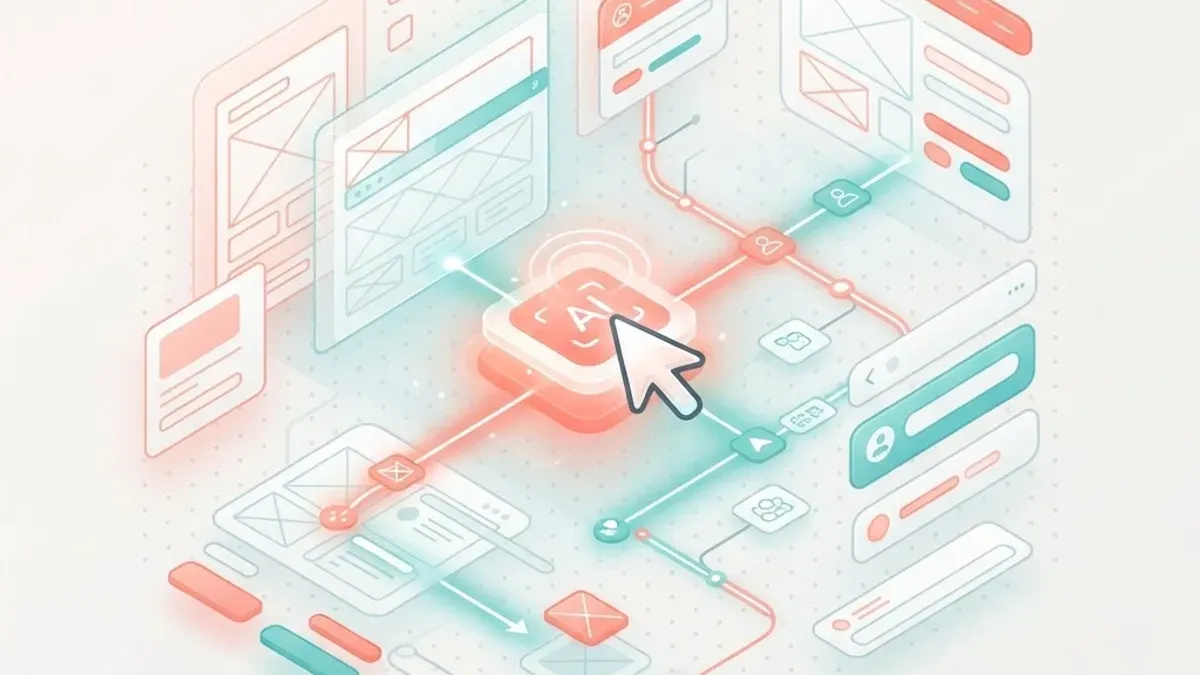
Using AI for User Experience Design Jobs in 2026
Learn how to use AI for user experience design jobs in 2026, the tools reshaping UX work, the new skills required, and how designers stay indispensable.
Priyanka Rao
Author
User experience design has always balanced creativity with research, empathy with data. Artificial intelligence is now amplifying both sides of that balance. For anyone in or entering the field, using AI for user experience design jobs is no longer optional; it is quickly becoming a core competency that separates competitive designers from those falling behind. Yet AI is not replacing UX designers. It is changing how they work, accelerating the tedious parts and freeing them for the human-centered thinking that defines great design. This article explains how AI is transforming UX roles, the tools that matter, the skills to develop, and how designers can stay indispensable.
Table of Contents
- How AI is reshaping UX design - Where AI helps in the UX workflow - Popular AI tools for UX designers - New skills UX professionals need - Will AI replace UX designers? - Building an AI-augmented design career - Practical tips for using AI effectively - Frequently Asked Questions - Conclusion
How AI Is Reshaping UX Design
AI is embedding itself throughout the design process, from research to prototyping to testing. It analyzes user data at scale, generates design variations in seconds, and automates repetitive production tasks that once consumed hours. This shifts the designer's role from producing every artifact by hand toward directing, curating, and refining what AI generates.
The effect is a faster, more iterative workflow. Designers can explore more ideas, test more variations, and reach validated decisions sooner. But the strategic core of UX, understanding real human needs, defining problems worth solving, and crafting coherent experiences, remains firmly in human hands. AI changes the tooling and tempo of the job, not its fundamental purpose. Designers who grasp this distinction use AI to elevate their work rather than fearing it.
Where AI Helps in the UX Workflow
AI adds value at nearly every stage. In research, it synthesizes interviews, surveys, and analytics, surfacing patterns and themes far faster than manual analysis. During ideation, it generates layout options, copy variations, and design concepts that give designers a rich starting point rather than a blank canvas.
In prototyping, AI tools convert sketches or descriptions into working wireframes and interfaces, accelerating the path from idea to testable artifact. For content, AI drafts microcopy and placeholder text, which pairs well with professional content writing for polish. In testing, AI predicts usability issues, analyzes user behavior, and highlights friction points. Turning these designs into real products still depends on skilled front-end web development, so designers who understand that handoff collaborate more effectively with engineering teams.
Popular AI Tools for UX Designers
The toolkit for AI-assisted UX is expanding rapidly. Design platforms now embed AI features that generate layouts, suggest components, and automate resizing and adaptation across devices. Generative image and asset tools produce illustrations and visuals on demand, complementing traditional graphic design work. Research tools use AI to transcribe and analyze user sessions, clustering feedback into actionable insights.
Prototyping tools translate natural-language prompts or rough sketches into interactive mockups, while writing assistants craft and refine interface copy. Rather than mastering every tool, designers benefit most from understanding what categories exist and choosing the ones that fit their workflow. The goal is not to collect tools but to integrate a few well, using them to remove friction and free time for the strategic, empathetic work that only a human designer can do.
New Skills UX Professionals Need
As AI handles more production, the skills that distinguish UX professionals are shifting. Prompt fluency, the ability to direct AI tools with clear, precise instructions, is becoming as important as knowing a design application. Critical evaluation matters too, since AI output is a starting point that requires a designer's judgment to assess against real user needs.
Strategic thinking, research literacy, and the ability to define the right problems are rising in value as tactical production becomes automated. Collaboration skills grow more important as designers work alongside AI and cross-functional teams, and a working understanding of how designs become products, including back-end web development constraints, helps designers create feasible solutions. Above all, empathy and human insight remain irreplaceable; they are the foundation on which every other skill rests.
Will AI Replace UX Designers?
This is the anxious question behind the trend, and the answer is reassuring. AI cannot replace UX designers because the essence of the discipline is understanding human beings, their goals, frustrations, contexts, and emotions. AI can process data about users, but it cannot genuinely empathize, define what matters, or take responsibility for the experience delivered.
What AI will do is raise expectations and change the job. Designers who refuse to adopt AI risk being outpaced by those who use it to work faster and explore more. The realistic future is augmentation: designers who direct AI, interpret its output, and apply human judgment become dramatically more productive. The role evolves from crafting every pixel toward orchestrating tools, research, and vision into coherent, human-centered experiences that resonate with real people.
Building an AI-Augmented Design Career
To build a resilient UX career, treat AI as a collaborator to master rather than a threat to resist. Experiment with AI tools in your daily work, learning their strengths and limits firsthand. Deepen the human skills AI cannot replicate, especially research, strategy, and empathy, because these become your differentiators as production automates.
Build a portfolio that demonstrates outcomes and thinking, not just polished screens, showing how you define problems and validate solutions. Stay curious about emerging tools and workflows, since the landscape shifts quickly. Communicating your value clearly, sometimes supported by a strong personal website design and presence, helps you stand out. The designers who thrive will be those who combine timeless human-centered skills with fluent, confident use of AI.
Practical Tips for Using AI Effectively
Start small by introducing AI into one part of your workflow, such as research synthesis or generating early layout options, before expanding. Always treat AI output as a draft to critique, not a final answer, applying your judgment to align it with genuine user needs. Write clear, specific prompts and iterate, since better direction produces better results.
Keep the user at the center of every decision, using AI to serve real needs rather than to chase novelty. Verify accuracy and check for bias, especially in research analysis and generated content. Finally, document what works so you build a repeatable, efficient process. Used this way, AI becomes a reliable accelerator that enhances your craft while keeping the human judgment that defines great UX firmly in charge.
Frequently Asked Questions
How is AI used in user experience design jobs?
AI is used across the UX workflow to synthesize research, generate layout and copy variations, convert sketches into wireframes, and predict usability issues. It accelerates repetitive production work so designers can focus on strategy, empathy, and defining the right problems, changing how the job is done rather than its core purpose.
Will AI replace UX designers?
No. The essence of UX is understanding human needs, emotions, and contexts, which AI cannot genuinely replicate or take responsibility for. AI will change the role by automating production and raising expectations, so designers who adopt it become more productive, but human empathy, judgment, and strategic thinking remain irreplaceable.
What AI skills do UX designers need?
Designers should develop prompt fluency to direct AI tools precisely, critical evaluation to assess AI output against real user needs, and strong strategic and research skills as production automates. Collaboration ability and a working understanding of how designs become products also help designers use AI effectively within teams.
Which AI tools are useful for UX design?
Useful categories include design platforms with AI layout and component features, generative image and asset tools, AI research tools that transcribe and cluster user feedback, prototyping tools that turn prompts or sketches into mockups, and writing assistants for interface copy. Integrating a few tools well matters more than mastering every option.
How can I start using AI in my UX work?
Begin by adding AI to one stage of your workflow, such as research synthesis or early ideation, and treat its output as a draft you refine with judgment. Write clear prompts, keep users at the center, verify accuracy and bias, and document what works so you build a repeatable, efficient process over time.
Conclusion
Using AI for user experience design jobs is quickly becoming a defining skill for the profession. AI accelerates research, ideation, prototyping, and testing, freeing designers to focus on the empathy, strategy, and human insight that no machine can replicate. Rather than replacing designers, it rewards those who learn to direct it well and keep users at the heart of every decision. If you are ready to turn AI-informed designs into polished, high-performing products, partner with an experienced team for expert website design and bring your user-centered vision to life.
Frequently Asked Questions
Will AI Replace UX Designers?
This is the anxious question behind the trend, and the answer is reassuring. AI cannot replace UX designers because the essence of the discipline is understanding human beings, their goals, frustrations, contexts, and emotions. AI can process data about users, but it cannot genuinely empathize, define what matters, or take responsibility for the experience delivered.
How is AI used in user experience design jobs?
AI is used across the UX workflow to synthesize research, generate layout and copy variations, convert sketches into wireframes, and predict usability issues. It accelerates repetitive production work so designers can focus on strategy, empathy, and defining the right problems, changing how the job is done rather than its core purpose.
What AI skills do UX designers need?
Designers should develop prompt fluency to direct AI tools precisely, critical evaluation to assess AI output against real user needs, and strong strategic and research skills as production automates. Collaboration ability and a working understanding of how designs become products also help designers use AI effectively within teams.
Which AI tools are useful for UX design?
Useful categories include design platforms with AI layout and component features, generative image and asset tools, AI research tools that transcribe and cluster user feedback, prototyping tools that turn prompts or sketches into mockups, and writing assistants for interface copy. Integrating a few tools well matters more than mastering every option.
How can I start using AI in my UX work?
Begin by adding AI to one stage of your workflow, such as research synthesis or early ideation, and treat its output as a draft you refine with judgment. Write clear prompts, keep users at the center, verify accuracy and bias, and document what works so you build a repeatable, efficient process over time.
More from Career
Continue exploring our curated collection of articles

AI Attorney Jobs: Careers in Legal Tech for 2026
Explore AI attorney jobs in 2026, the emerging legal-tech roles, skills required, salary outlook, and how lawyers can build AI-powered legal careers.
Are Engineering Jobs at Risk From AI?
Are engineering jobs at risk from AI? Explore which engineering roles are exposed, which remain safe, and how engineers can future-proof their careers.
Will AI Replace Mechanical Engineers?
Will AI replace mechanical engineers? Explore what AI can and cannot do, which tasks are automated, and how engineers can stay indispensable in the AI era.