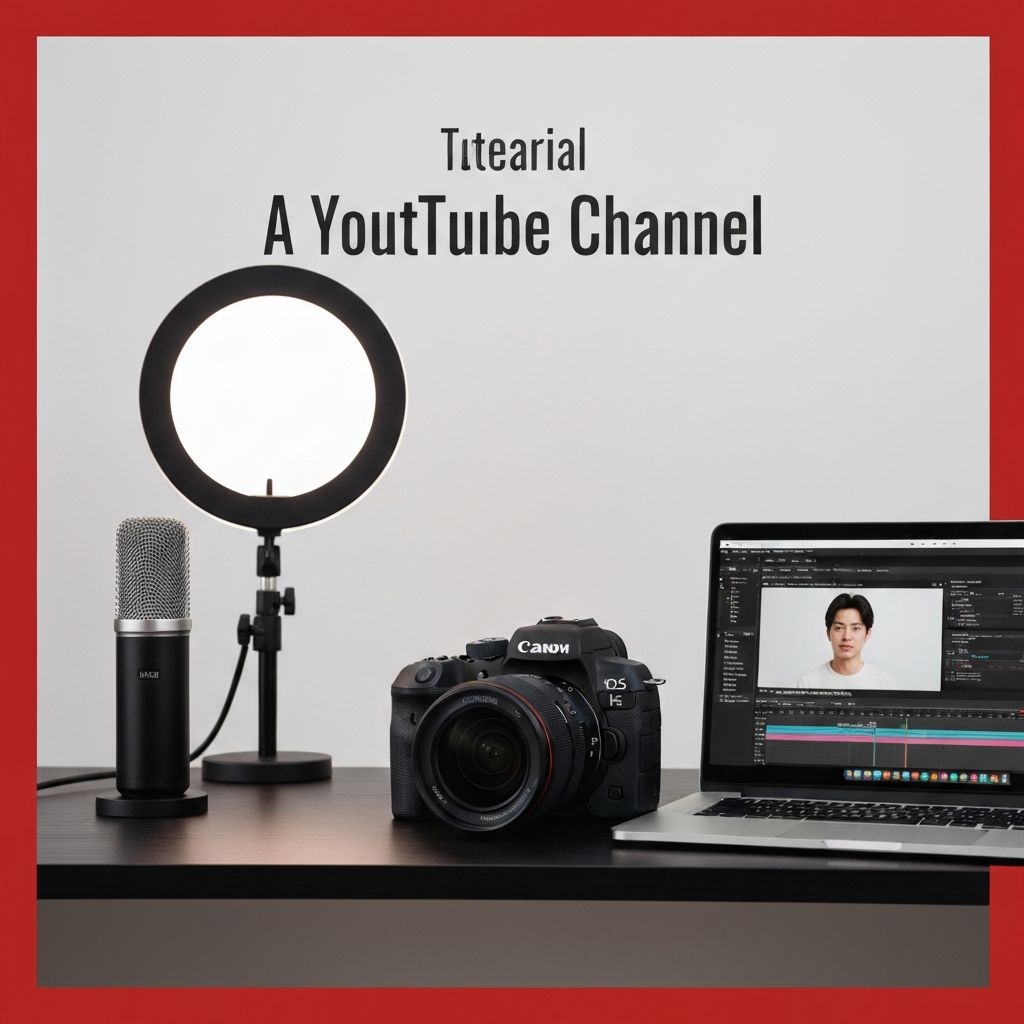
How To Make A YouTube Channel: Complete Step-by-Step Guide for Beginners
Learn how to create and set up a successful YouTube channel from scratch including account creation, branding, optimization, and content strategy tips.
David Park
Author
Creating a YouTube channel opens doors to sharing your passions, building communities, and potentially generating income through video content. With over two billion logged-in users monthly, YouTube offers unparalleled reach for creators in virtually every niche imaginable. This comprehensive guide walks you through every step of creating and launching your YouTube channel, from initial setup to optimization strategies that help your content reach its intended audience.
Planning Your YouTube Channel
Before creating your channel, thoughtful planning establishes a foundation for success.
Defining your niche helps focus your content and attract dedicated viewers. Successful channels typically concentrate on specific topics rather than attempting to cover everything. Consider what you're passionate about, what expertise you can share, and what content gap you might fill. Gaming, cooking, technology reviews, educational content, vlogs, and countless other niches have thriving YouTube communities.
Understanding your target audience shapes content decisions. Consider who would benefit from or enjoy your content. What age group? What interests do they have beyond your niche? What problems might your content solve for them? This audience understanding guides everything from video topics to presentation style.
Researching existing channels in your niche reveals what works and identifies opportunities. Watch successful creators, noting their video styles, posting frequencies, and audience engagement approaches. Look for content gaps you could fill or unique perspectives you could bring.
Setting realistic goals helps maintain motivation and measure progress. New channels rarely achieve overnight success, so establishing achievable milestones prevents discouragement. Early goals might focus on content consistency and quality improvement rather than subscriber counts.
Creating Your Google Account
YouTube channels require Google accounts, as YouTube is a Google-owned platform.
If you already have a Gmail address, you already have a Google account that can be used for YouTube. However, consider whether you want your personal Google account associated with your channel or prefer a separate account dedicated to your YouTube presence.
Creating a new Google account for YouTube provides separation between personal and creator identities. Visit accounts.google.com and select "Create account." You can create an account for personal use or to manage a business. Follow the prompts to establish your username, password, and recovery options.
Using a professional email address associated with your channel name presents a more polished image. Consider using your channel name or a related professional name rather than personal nicknames or random numbers.
Setting Up Your YouTube Channel
With a Google account ready, creating your YouTube channel takes just a few steps.
Sign into YouTube using your Google account. Click on your profile icon in the upper right corner of any YouTube page. From the dropdown menu, select "Create a channel."
YouTube offers options for creating a personal channel using your name or creating a channel with a custom name. For most creators, the custom name option provides more flexibility and professional presentation. Choose "Create a channel with a custom name" and enter your desired channel name.
Select a channel name that reflects your content while being memorable and easy to spell. Avoid special characters, numbers that might confuse viewers, or names too similar to existing popular channels. Check availability across social media platforms to maintain consistent branding.
After confirming your channel name, your basic channel is created. However, significant customization remains to make your channel professional and discoverable.
Customizing Your Channel
Channel customization creates visual identity and helps viewers understand what your channel offers.
Your channel icon serves as your visual identity across YouTube, appearing next to comments, in search results, and on your channel page. Upload a high-quality image at least 800x800 pixels. For personal brands, a professional headshot works well. For topic-focused channels, logos or relevant imagery may be more appropriate.
The channel banner, also called channel art, creates visual impact at the top of your channel page. This horizontal image should be 2560x1440 pixels for optimal display across devices, though YouTube provides safe areas guidelines since different devices display different portions of the banner. Include your channel name, upload schedule, or other key information in the center safe area.
The About section provides space to describe your channel and introduce yourself to potential subscribers. Write a compelling description that clearly explains what your channel offers, who you are, and why viewers should subscribe. Include relevant keywords naturally for search optimization. Add links to your website and social media profiles.
Channel trailers play automatically for non-subscribers visiting your channel page, making them crucial for converting visitors into subscribers. Create a short, engaging video that showcases your content style and communicates your channel's value proposition. Keep trailers under two minutes, ideally around sixty seconds.
Featured sections organize your channel page, helping viewers find content that interests them. Create playlists grouping related videos and feature them prominently. You might organize by series, topic, or content type depending on what makes sense for your channel.
Understanding YouTube Studio
YouTube Studio serves as your channel management dashboard, where you'll spend significant time as a creator.
The Dashboard provides an overview of channel performance including recent video views, subscriber changes, and latest comments. This quick snapshot helps you stay informed about your channel's status.
The Content section displays all your uploaded videos, allowing you to manage, edit, and organize your content library. You can access individual video analytics, update video details, and manage visibility settings from this section.
Analytics provides detailed insights into your channel and video performance. Understanding metrics like watch time, traffic sources, audience demographics, and engagement helps you make data-driven content decisions. Spending time learning Analytics capabilities pays dividends in channel growth.
Comments aggregates viewer comments across your videos, allowing efficient community management. Responding to comments builds community and signals to YouTube's algorithm that your content generates engagement.
The Customization section controls your channel's appearance, including the elements discussed earlier. Returning here periodically to update branding keeps your channel fresh and relevant.
Creating Your First Video
With your channel established, creating content becomes your primary focus.
Content planning ensures you have topics ready before sitting down to create. Maintain a content calendar or idea list that you add to regularly. When recording time comes, you won't waste creative energy deciding what to make.
Equipment needs vary by content type, but starting simply is perfectly acceptable. Many successful creators began with smartphone cameras before upgrading equipment as channels grew. Audio quality often matters more than video quality, so a basic external microphone frequently provides better return on investment than expensive cameras.
Lighting dramatically impacts video quality without requiring expensive gear. Filming near windows for natural light or using affordable ring lights improves production value significantly. Consistent, flattering lighting makes videos more professional and watchable.
Recording environment considerations include background noise, visual backgrounds, and interruption prevention. Choose quiet spaces, organize visually appealing backgrounds, and ensure you won't be interrupted during recording sessions.
Scripting or outlining helps maintain focus and efficiency. Some creators prefer detailed scripts while others work from bullet points. Find the approach that produces your best content while feeling natural to your presentation style.
Editing transforms raw footage into polished videos. Free software like DaVinci Resolve provides professional capabilities, while simpler options like iMovie or Windows Video Editor offer easier learning curves. Develop efficient editing workflows that balance quality with sustainable time investment.
Uploading and Optimizing Videos
Proper uploading and optimization significantly impacts video discoverability.
Click the create button in YouTube Studio and select "Upload video." While your video uploads, you'll complete several important fields.
The title serves as your video's headline, crucial for both search ranking and click-through rates. Include relevant keywords naturally while writing compelling titles that spark curiosity or clearly communicate value. Keep titles under 60 characters to avoid truncation in search results.
The description provides space for detailed video information. Begin with a compelling summary including keywords, then add additional context, timestamps for longer videos, links to related content, and calls to action. YouTube indexes descriptions for search, making keyword inclusion valuable.
Tags help YouTube understand your content for recommendations. Include relevant keywords and phrases, both specific and broad. While tags matter less than they once did, using them appropriately doesn't hurt and may help discoverability.
Thumbnails dramatically impact click-through rates. Custom thumbnails outperform auto-generated options almost universally. Create eye-catching images using consistent branding, readable text, expressive faces, and contrasting colors. Thumbnails should be 1280x720 pixels with 16:9 aspect ratio.
Cards and end screens promote other content, encouraging viewers to continue watching your videos. Add cards at relevant moments during videos and create compelling end screens that drive subscriptions and additional views.
Building Your Audience
Growing an audience requires consistent effort across multiple fronts.
Publishing consistently helps YouTube understand your channel and helps audiences know when to expect new content. Whether weekly, twice weekly, or daily, maintaining a schedule you can sustain matters more than publishing frequency. Inconsistent posting often performs worse than slower but reliable schedules.
Engaging with your community builds loyalty and signals engagement to YouTube's algorithm. Respond to comments, ask questions in your videos, and create content responding to viewer suggestions. Active communities attract new viewers through their enthusiasm.
Promoting videos through social media extends reach beyond YouTube's platform. Share new uploads across your social profiles, in relevant communities, and anywhere your target audience gathers. Consistent cross-platform promotion compounds over time.
Collaborating with other creators introduces you to new audiences while providing fresh content. Seek creators with similar audience sizes and complementary content for mutually beneficial partnerships.
Analyzing performance data reveals what works for your specific audience. Study which videos perform best, what thumbnails drive clicks, and where viewers drop off. Apply these insights to future content.
Monetization Basics
While building audience should be the primary early focus, understanding monetization options helps long-term planning.
The YouTube Partner Program enables advertising revenue but requires meeting thresholds: one thousand subscribers and four thousand watch hours in the past twelve months, or one thousand subscribers and ten million Shorts views in ninety days. Meeting these requirements takes most channels months to years.
Beyond advertising, creators monetize through channel memberships, Super Chat during live streams, merchandise, sponsorships, affiliate marketing, and directing viewers to products or services. Diversifying income streams provides more stability than relying solely on advertising.
Building audience and content quality before focusing heavily on monetization typically produces better long-term results than prioritizing revenue from the start.
Conclusion
Creating a successful YouTube channel combines technical setup, creative content development, and strategic audience building. While the process requires patience and consistent effort, the platform offers unprecedented opportunity for creators willing to invest the time. Starting with solid foundations in channel setup, understanding the tools available, and committing to regular content creation positions you for potential growth in YouTube's vast ecosystem. Your unique perspective and consistent effort over time are the ingredients that transform new channels into thriving communities.
Frequently Asked Questions
What will I learn from this technology guide?
Learn how to create and set up a successful YouTube channel from scratch including account creation, branding, optimization, and content strategy tips.
More from Technology
Continue exploring our curated collection of articles

SEO Computers: Choosing the Right Machine and Ranking a Computer Business Online
SEO computers explained two ways: the hardware specs that genuinely speed up SEO work, and how computer businesses rank for the searches that bring customers.

modern seo
How modern SEO actually works in the AI search era, based on 18 months of traffic data across 40 sites, including what stopped working and what never changed.

How AI Is Reshaping SEO and Content Marketing
Discover how AI is reshaping SEO and content marketing, from generative search and intent modeling to automated content workflows, E-E-A-T, and measurable results.